Simplify checkout
Bring sales, dynamic totals and receipts into one cashier workflow.
Software engineering / 2025
Streamlined Inventory, Sales & Reporting for Modern Retail
01Project context & goals
In my 4th semester of the HND in Computing at IAICampus, I developed a Point of Sale (POS) system for a retail business, focusing on inventory management, sales tracking, and reporting. I designed a user-friendly interface for both administrators and cashiers, ensuring efficient transactions and data handling, while incorporating automated testing for reliability.
Unit 20
Applied Programming & Design Principles
This standalone Point-of-Sale system grew out of my Unit 20 Applied Programming & Design Principles project. The brief was to replace manual registers in a small electronics shop with software that could move thousands of daily transactions, stock movements and customer-loyalty updates into a single, responsive application. Real-time SQL queries and Java data models ensure that even very large tables—for products, transactions and customers—load and update instantly, eliminating the lags that plague spreadsheet-based setups .
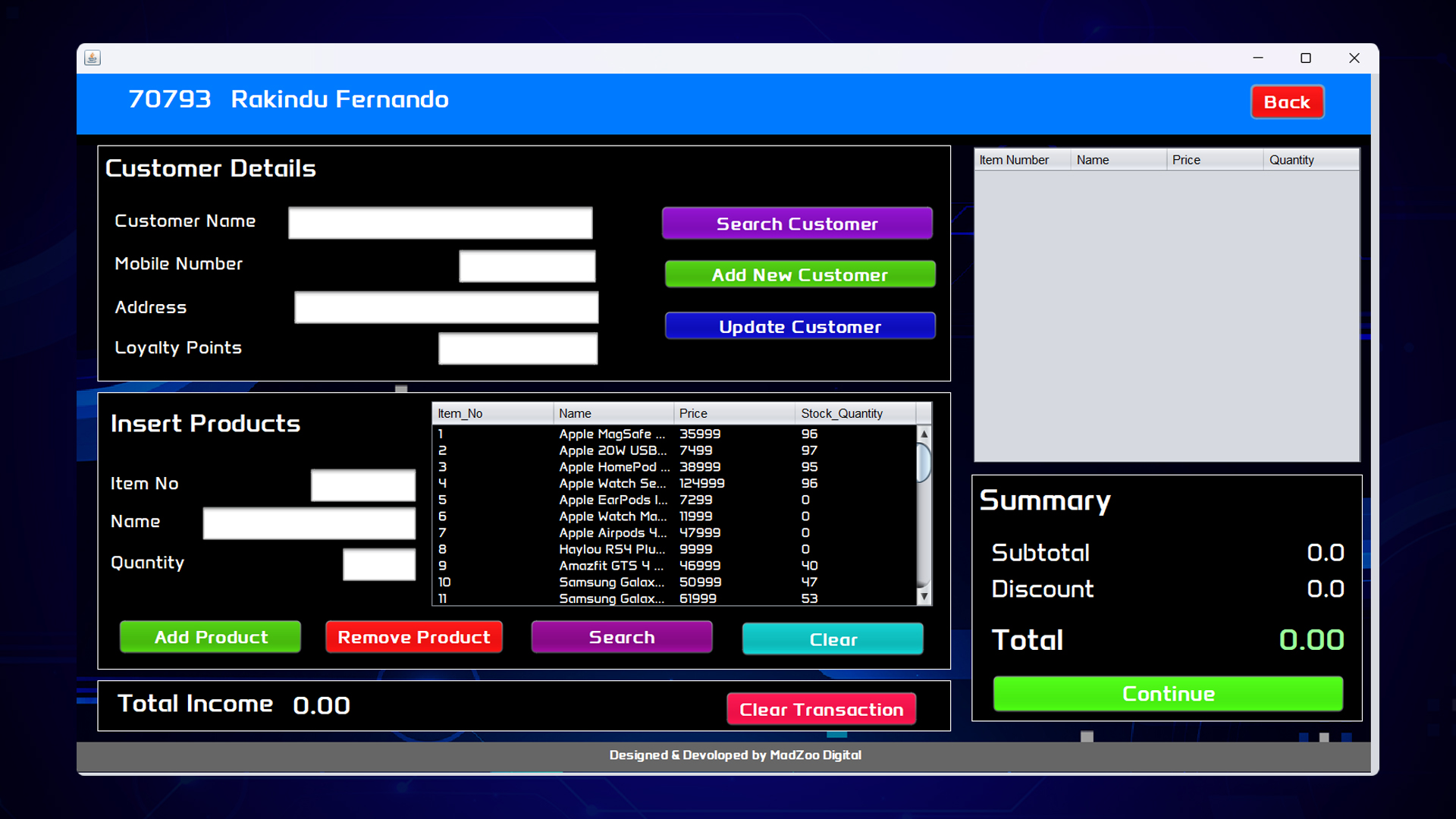
Bring sales, dynamic totals and receipts into one cashier workflow.
Connect each sale to inventory updates and low-stock alerts.
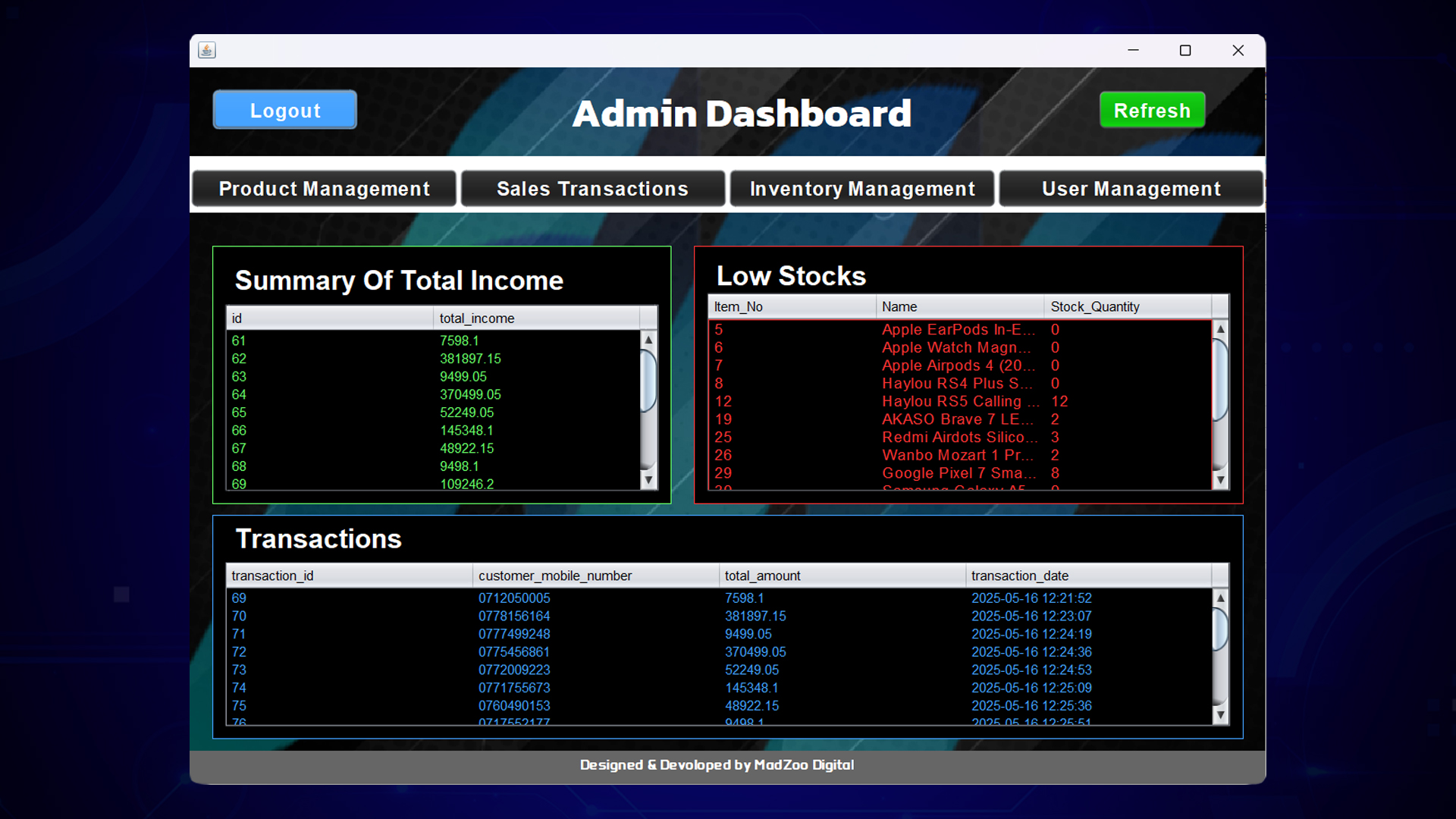
Bring users, products and sales reporting into a dedicated workspace.
02The application experience
At runtime the program branches into cashier and admin work-flows. Cashiers get a lightning-fast sales screen with dynamic totals and barcode search, while administrators manage inventory levels, users and analytics from their own dashboard. Role segregation not only simplifies each user’s experience but also locks sensitive operations (like price edits) behind admin credentials, protecting data integrity.
Role 01
Fast transactions, barcode search, dynamic totals and receipt generation.
Role 02
Inventory, users and analytics, with sensitive operations protected by admin credentials.
Access / 01–02
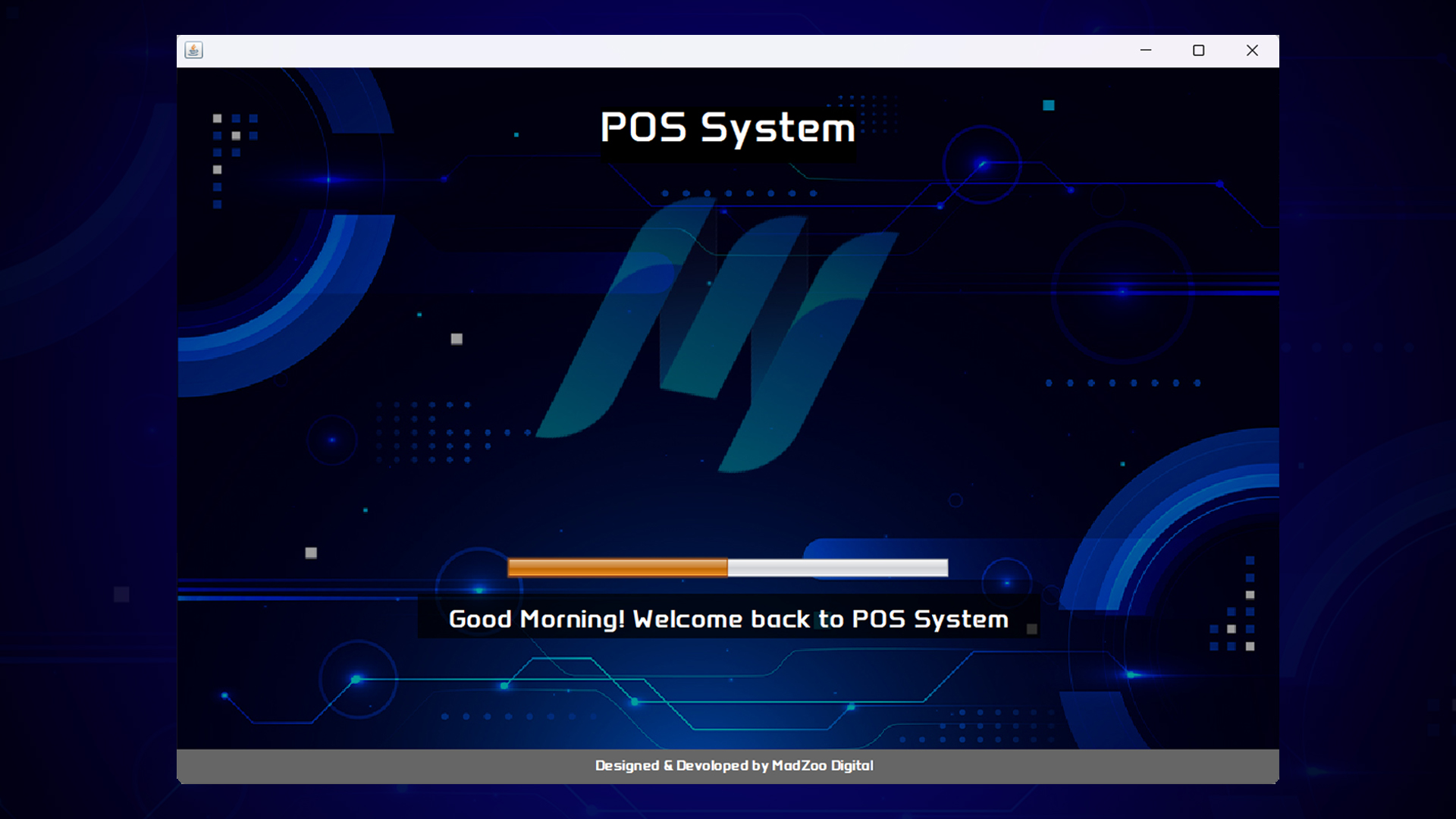
Welcome and secure authentication establish the starting point for each role.

Cashier / 03–04
The cashier workspace brings customer details, product selection and transaction totals into a single flow.
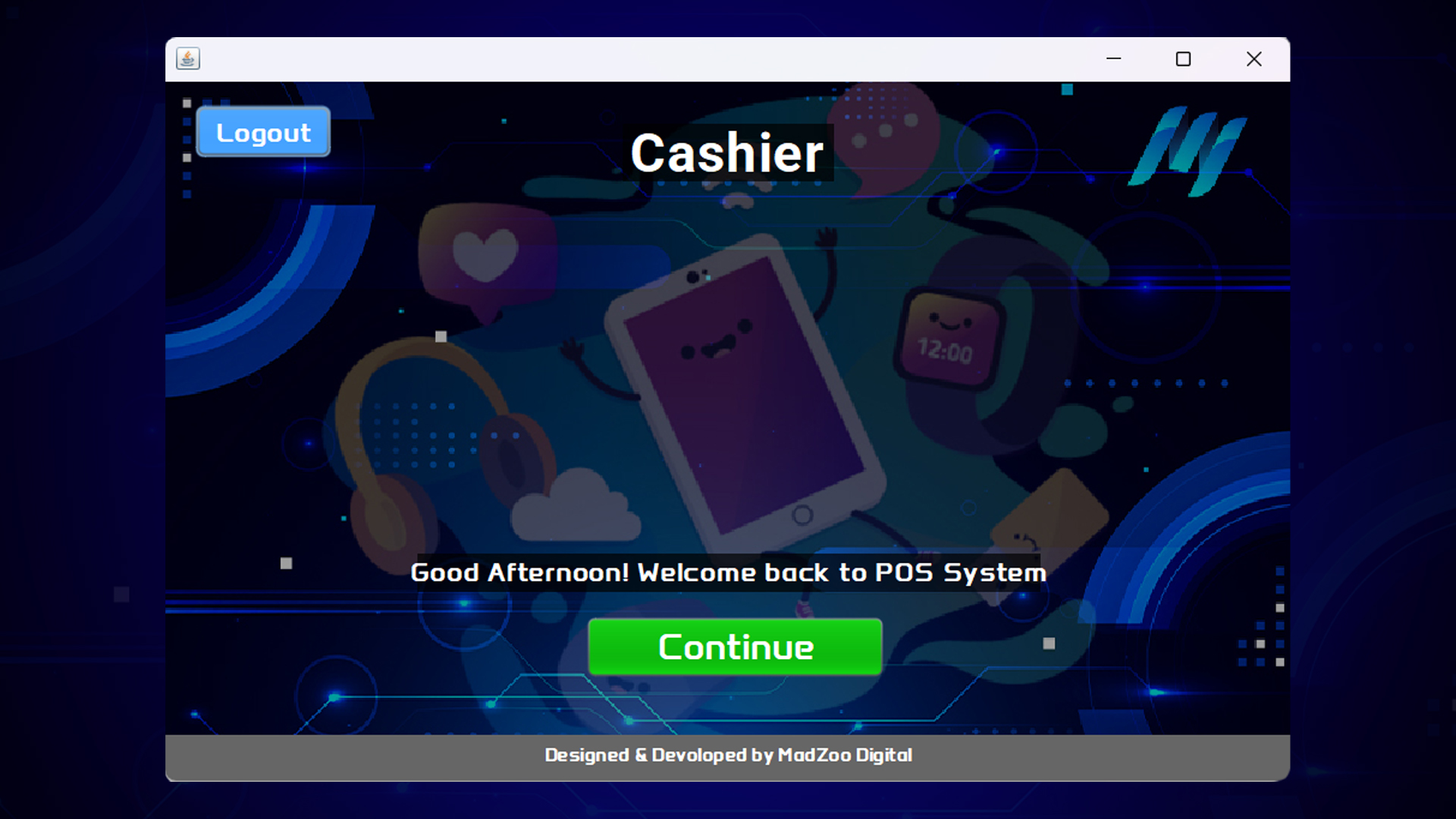
A dedicated welcome for the cashier.
Search products, manage quantities and apply discounts.
Generate receipts and update stock automatically.
Admin / 05–09
Products, stock, sales and users come together in a dedicated admin workspace.
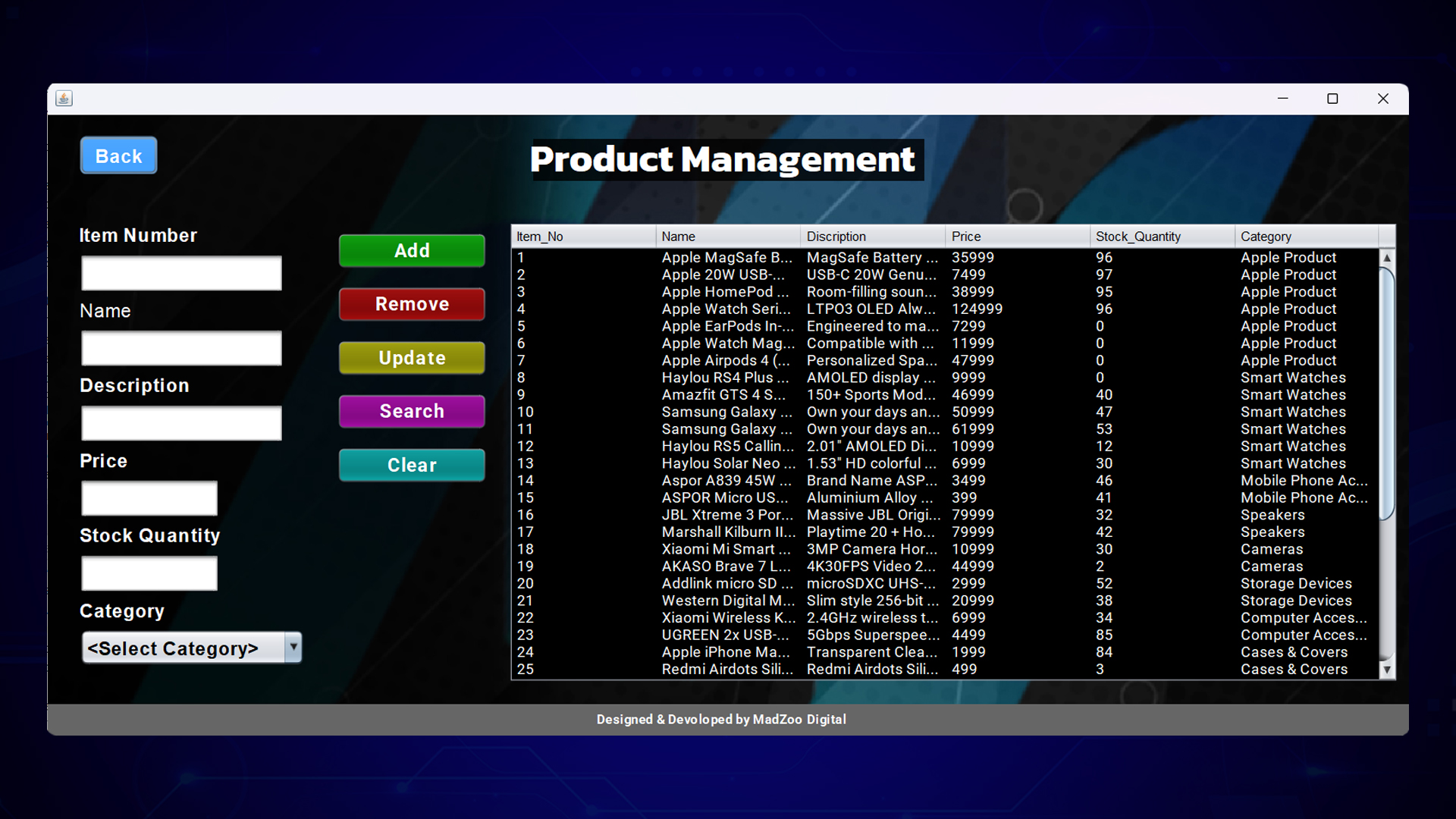
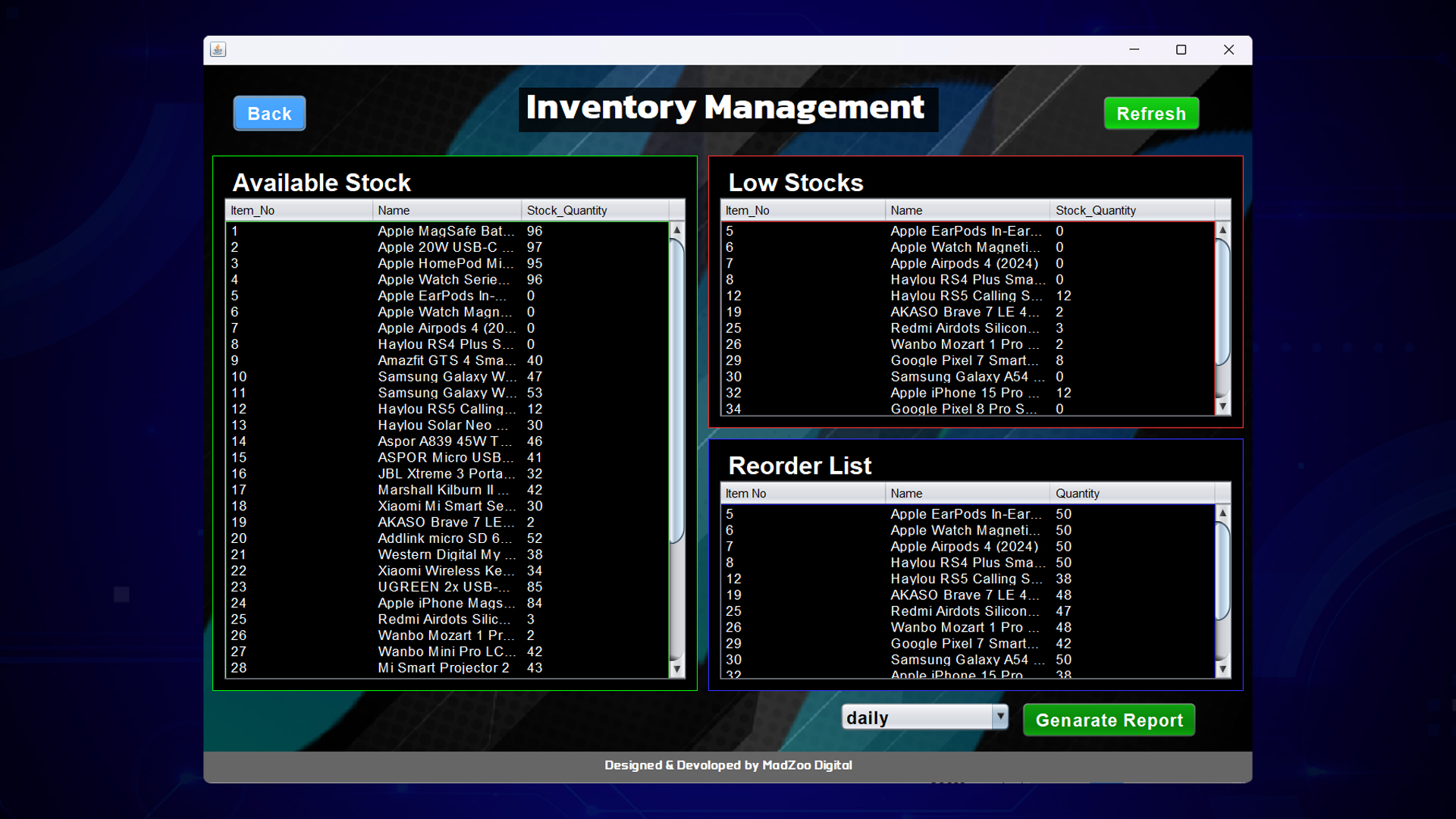
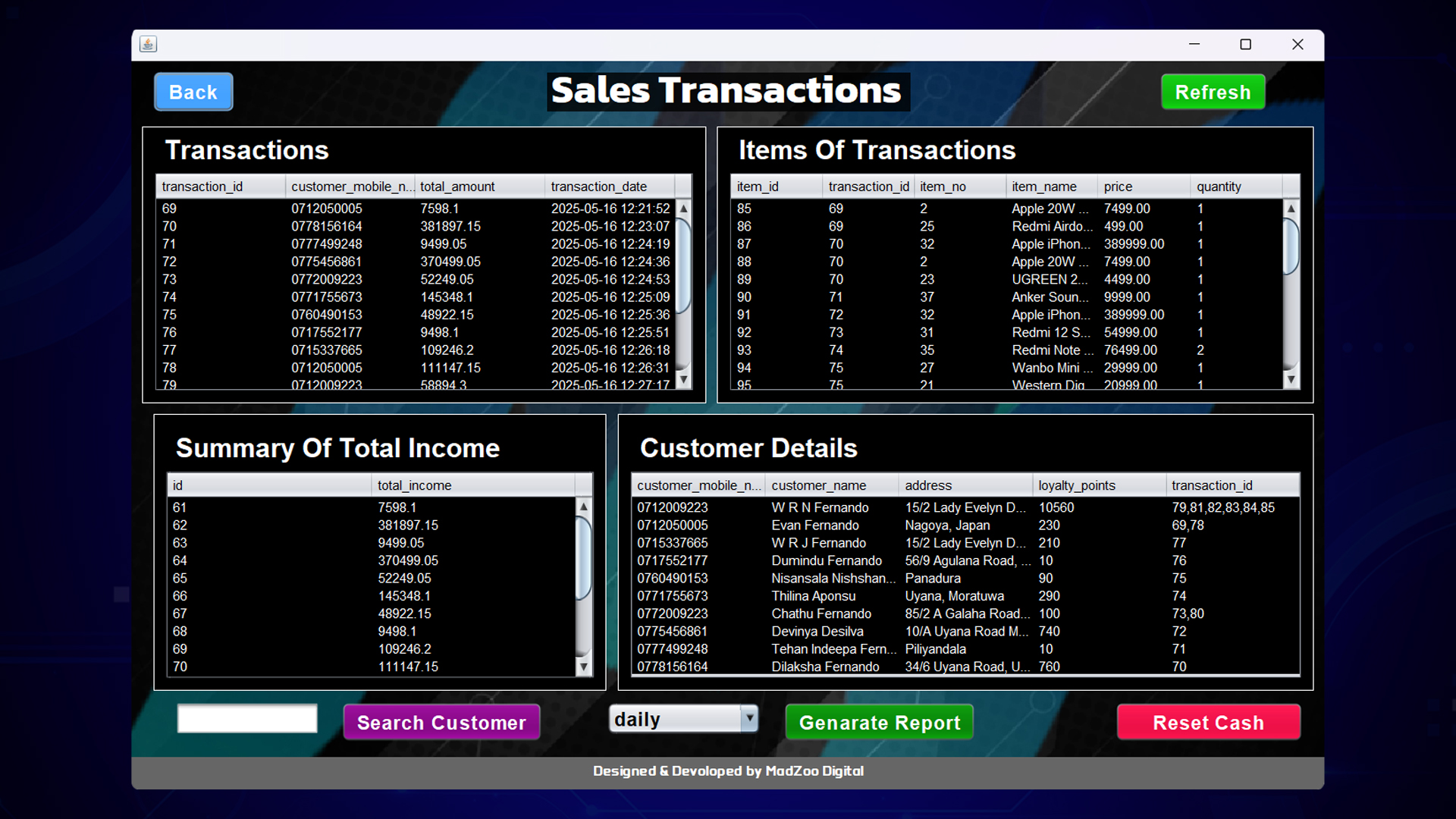
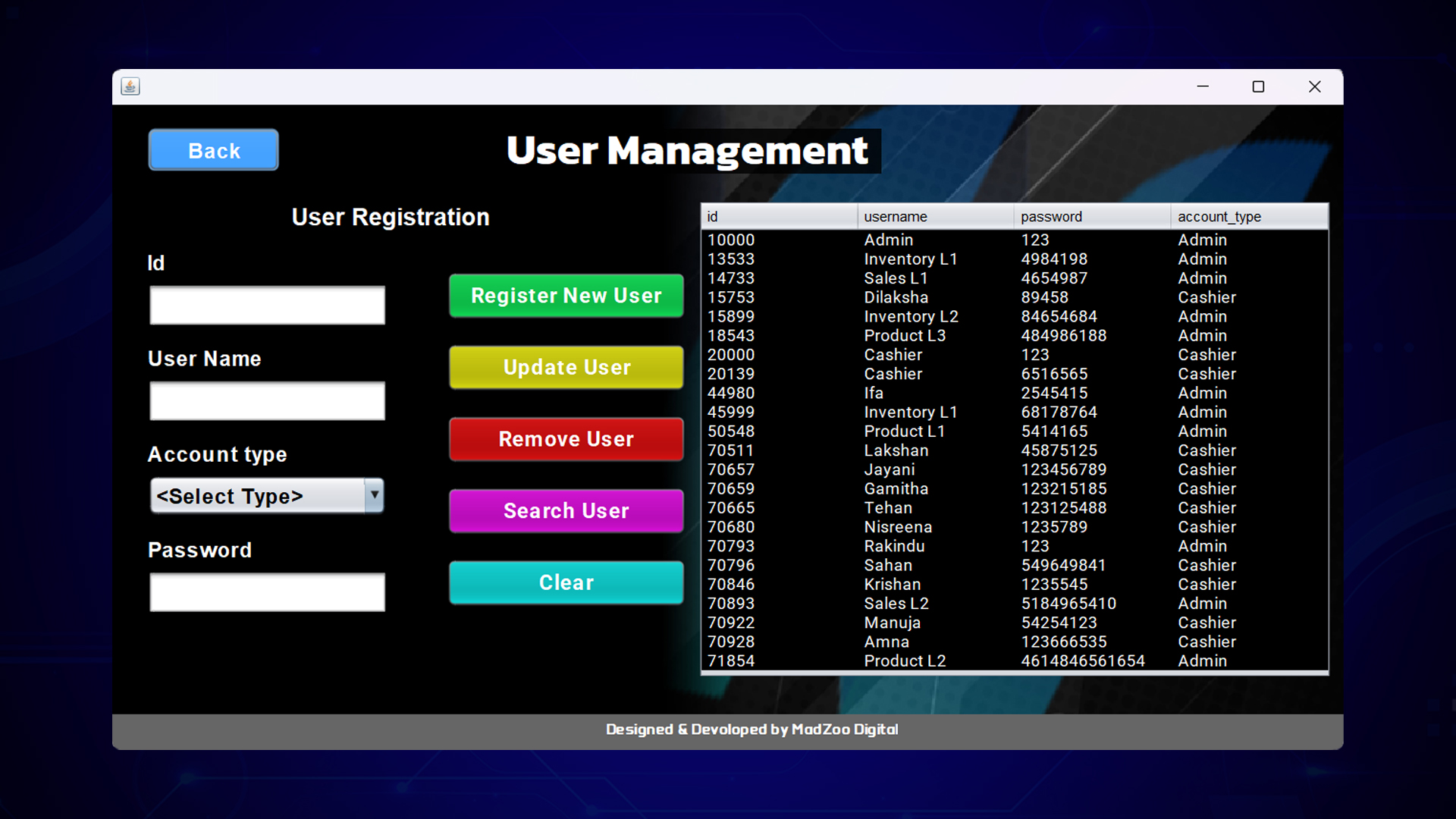
Interface decisions
Every screen—Welcome, Login, Cashier Home, Admin Dashboard and the nine management pages—follows a consistent visual grammar: centred layouts, colour-coded action buttons and JTable components that sort and filter at 60 fps. Decisions such as greeting the user by time of day or exposing low-stock alerts inline were guided by usability heuristics to keep cognitive load low even when datasets soar.
03Technology & database architecture
The system is written in Java 17 and Swing, compiled and debugged inside NetBeans IDE; all data lives in a MySQL schema hosted on XAMPP, linked through JDBC prepared statements for speed and SQL-injection safety. Automated quality gates run in Testmo, covering unit, integration and full system scenarios before every build, which slashes manual regression time and keeps delivery cycles tight.
Presentation
Application logic
Data access
Database
Designed to evolve
SOLIDFive principles.
One maintainable codebase.
The codebase applies all five SOLID principles. Separate classes handle products, transactions, database connections and UI logic, so a new payment gateway or discount rule can be added by extension rather than modification. Patterns such as Factory (object creation), Facade (database helpers) and Observer (UI refresh) further tame complexity, paving the way for future modules like barcode scanning or e-receipts without ripple effects.
04Key features
Single‑screen cashier module with dynamic totals, discount handling and receipt generation.
Automatic stock adjustments after each sale and low‑stock alerts to keep shelves replenished.
Separate admin and cashier dashboards ensure the right tools are in the right hands.
Daily, monthly or yearly sales summaries with on‑screen filtering and export options.
Encrypted credential storage and input validation prevent unauthorized access.
Stable, high‑performance database layer hosted on XAMPP for speedy queries.
Unit, integration and performance tests executed via Testmo for continuous quality assurance.
SOLID & design‑pattern‑driven codebase ready for new payment methods, customer loyalty and more.
05Verification & reliability
Beyond the happy path, a multilayered testing strategy stresses the system under peak loads and hostile input. Automated suites in Testmo verify that adding stock updates inventory counts, that negative prices are rejected, and that sales transactions cascade correctly into daily summaries. Performance scripts in JMeter and security sweeps in OWASP ZAP round out the pipeline, ensuring the release build is fast, stable and secure before it ever reaches a cashier’s hands .
Functional verification
Performance testing
Security testing
These foundations clear goals, modular roles, a proven stack, disciplined design and relentless testing—define the POS System’s introduction and set the stage for the deeper feature tour that follows on the webpage.
06System demonstration
Watch the original POS System demonstration.
Watch on YouTube in a new tab